🧑⚕️ For health practitioners
Intake forms and referrals, before the first visit
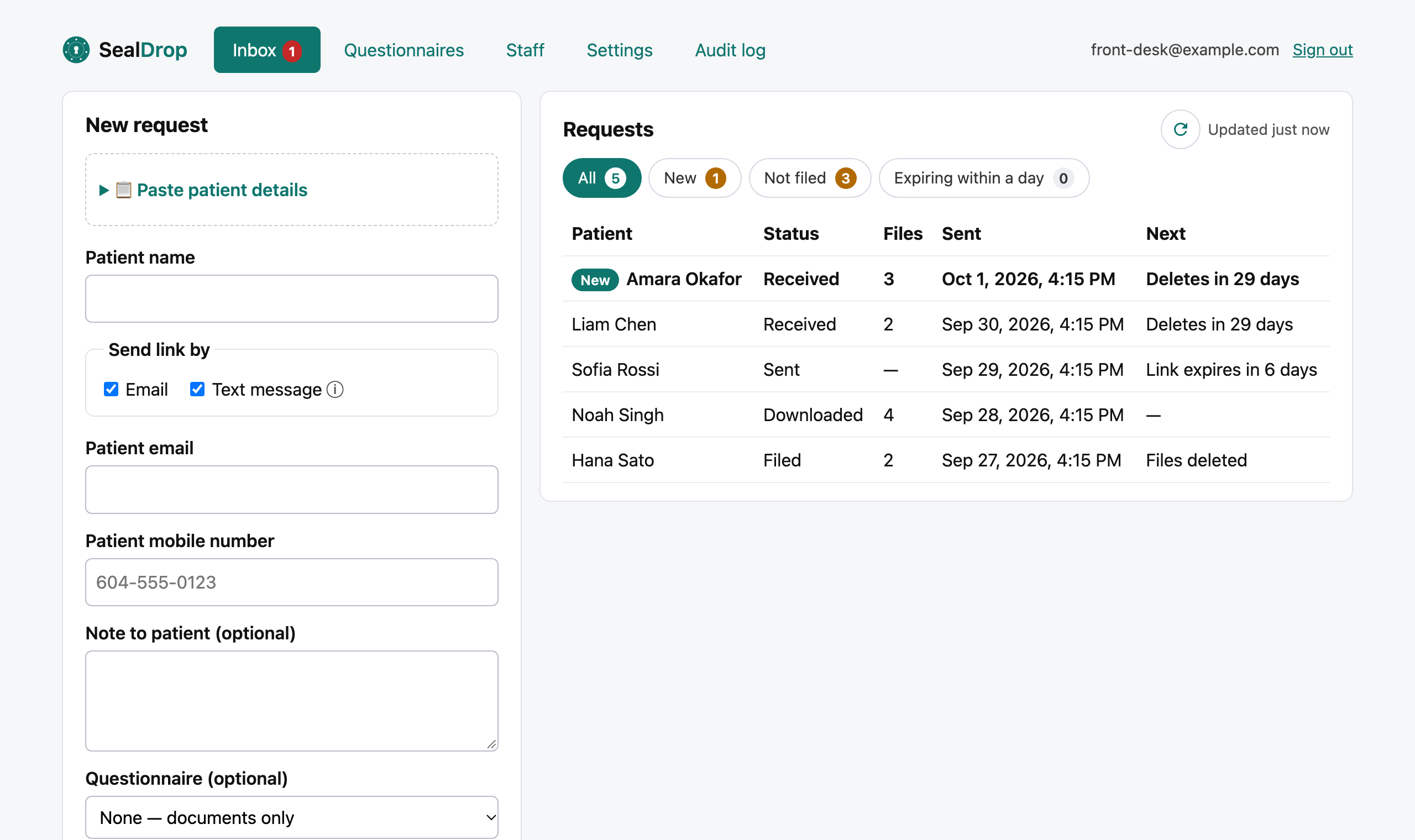
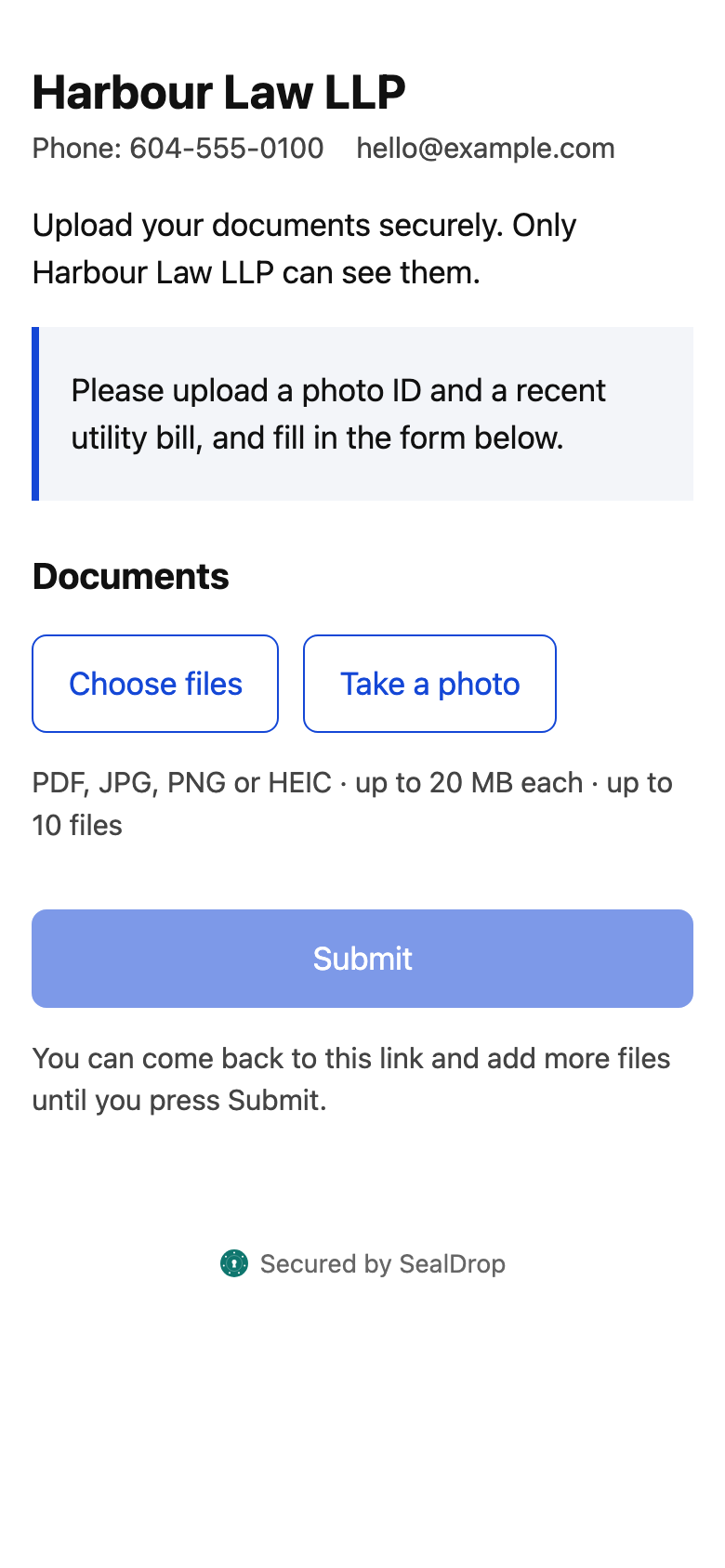
Send new patients a secure link; their signed intake form, referral and insurance details arrive before they walk in — no clipboard, no email attachments.
- 🇨🇦 Stored in CanadaAWS Montréal
- 🔐 Encryptedat rest and in transit
- 🗑️ Deleted on schedule35 days at most
- 📋 Every action loggedexportable audit trail
Documents you can collect
- New patient intake and health history
- Referral letters
- Extended health insurance cards
- ICBC / WCB claim details
- Imaging and test results
- PHQ-9 and GAD-7
Ready-made forms
- New patient intake
- Pre-appointment questionnaire
- Consent to email and text communication
- Authorization to transfer medical records
- PHQ-9 (depression screening)
- GAD-7 (anxiety screening)
Edit them or build your own. Starting points, not legal advice.
Ready before the visit
Intake, consent and screening forms filled in and signed on the patient’s phone; you get a PDF to attach to the chart.
Works with your EMR
Paste the patient’s details to send a link; download files and answers to file in Jane, Juvonno, ClinicSense or any EMR.
Small-practice friendly
Priced per user — a solo practitioner pays for one seat. Patients never need an account.
How it works
- You send a linkEmail or text
- They uploadAny phone, no app
- ScannedMalware check
- You downloadOne zip + answers PDF
- DeletedAfter you file it
Book a 15-minute demo See pricing
Questions
Can a solo practitioner use SealDrop?
Yes. Pricing is per user, so a practice of one pays for one user; patients are always free.
Do patients need an account or an app?
No. They open the link from your email or text and upload from their phone; nothing to install.