🩺 For clinics
Patient documents and forms, without fax or email
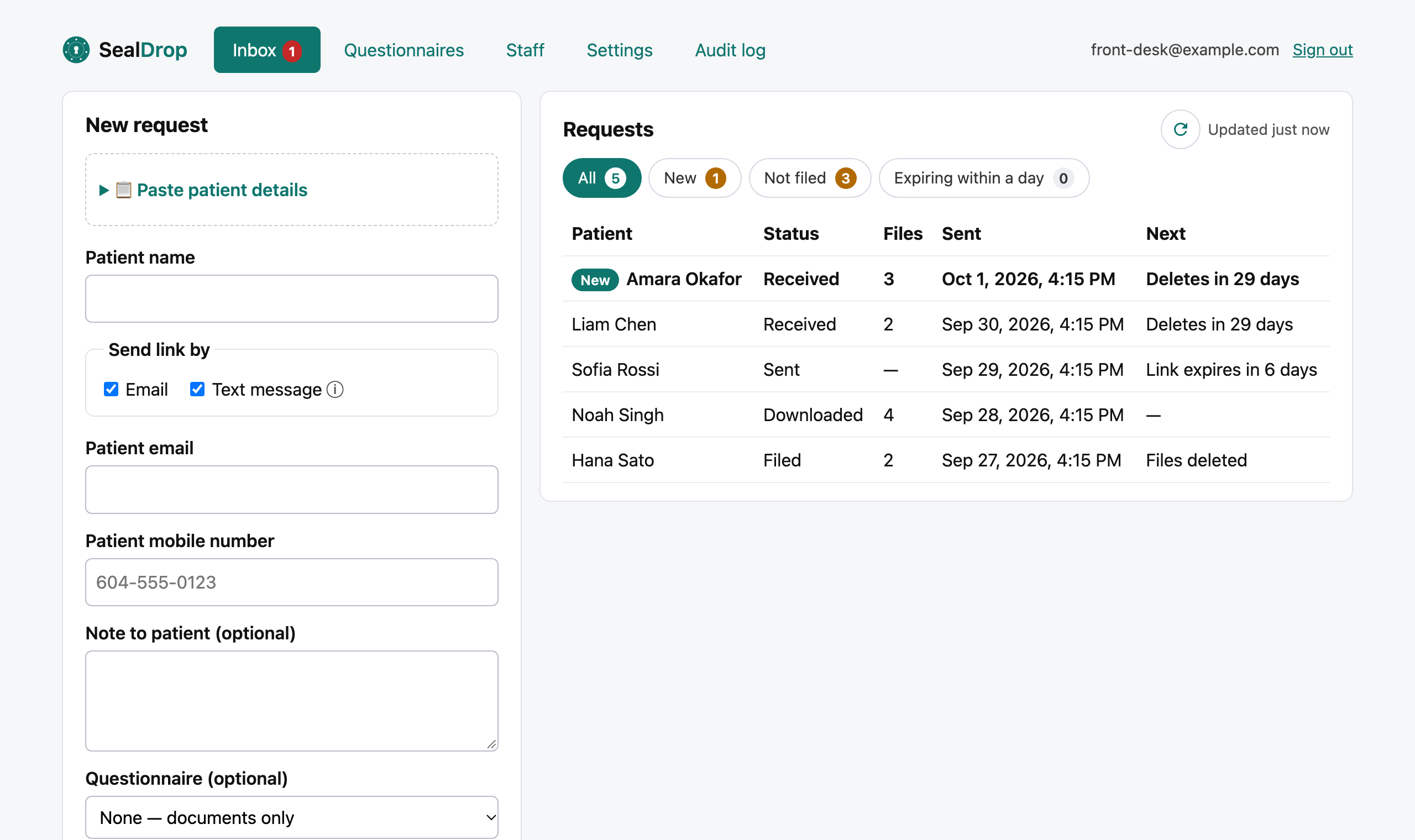
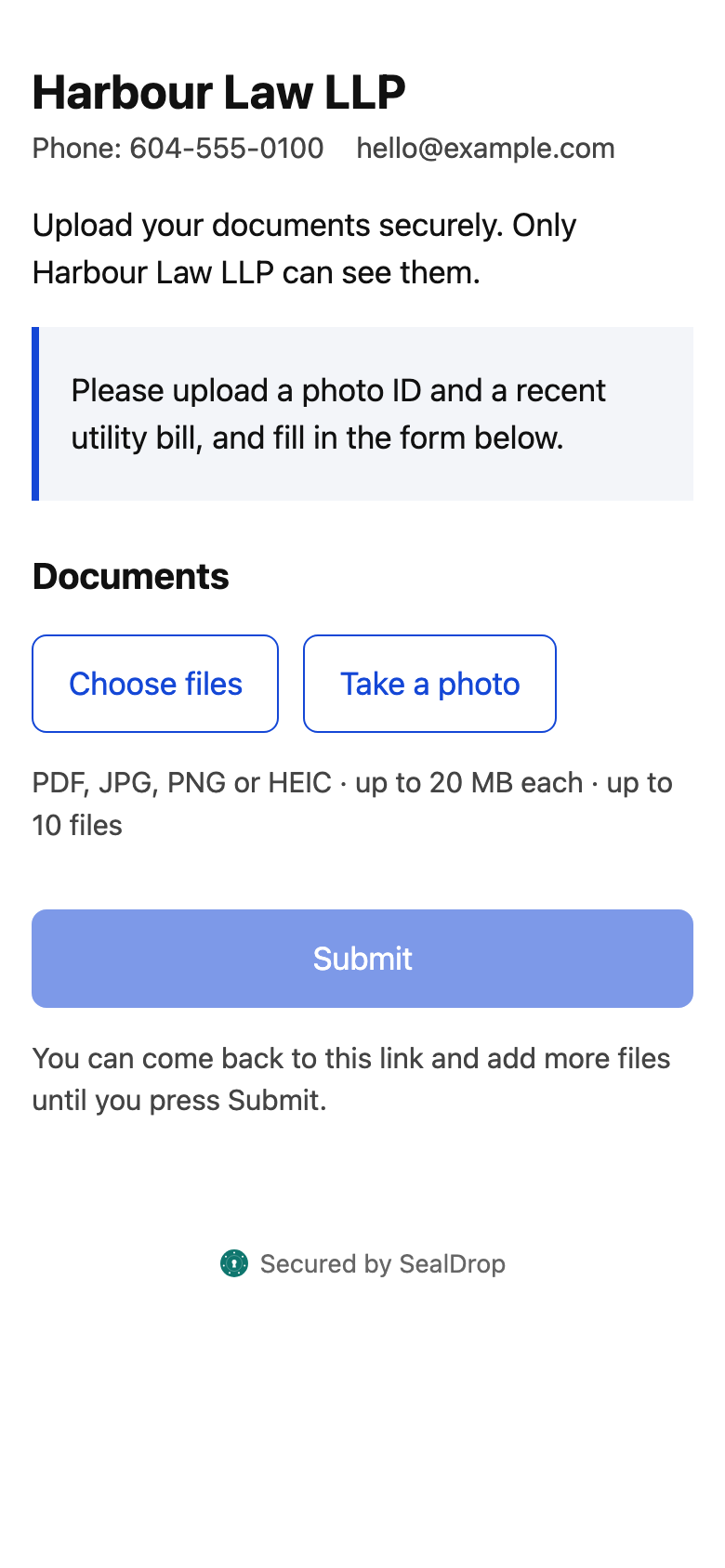
Send a patient a secure link; their referral, results and signed intake form arrive in one inbox, ready to file in your EMR.
- 🇨🇦 Stored in CanadaAWS Montréal
- 🔐 Encryptedat rest and in transit
- 🗑️ Deleted on schedule35 days at most
- 📋 Every action loggedexportable audit trail
Documents you can collect
- Referral letters
- Lab and imaging results
- New patient intake
- PHQ-9 and GAD-7
- Insurance and disability forms
- Records transfer authorizations
Ready-made forms
- New patient intake
- Pre-appointment questionnaire
- Consent to email and text communication
- Authorization to transfer medical records
- PHQ-9 (depression screening)
- GAD-7 (anxiety screening)
Edit them or build your own. Starting points, not legal advice.
Paste from your EMR
Copy the patient banner from OSCAR, Accuro, PS Suite, Med Access or Medfar — name, email and cell fill themselves in.
Forms that file themselves
Answers arrive as a signed PDF with a reference and QR code; ask for date of birth and PHN when you need them.
Built for BC PIPA
Your clinic stays the organization responsible; SealDrop is your service provider under a data processing agreement.
How it works
- You send a linkEmail or text
- They uploadAny phone, no app
- ScannedMalware check
- You downloadOne zip + answers PDF
- DeletedAfter you file it
Book a 15-minute demo See pricing
Questions
Can patients fill in the PHQ-9 online?
Yes. Send the PHQ-9 starter form with a secure link; answers arrive as a PDF showing each item’s score.
Does it work with my EMR?
SealDrop works alongside any EMR: paste patient details to send a link, then download files and the answers PDF to attach to the chart.