⚖️ For law firms
Client ID and documents, collected securely
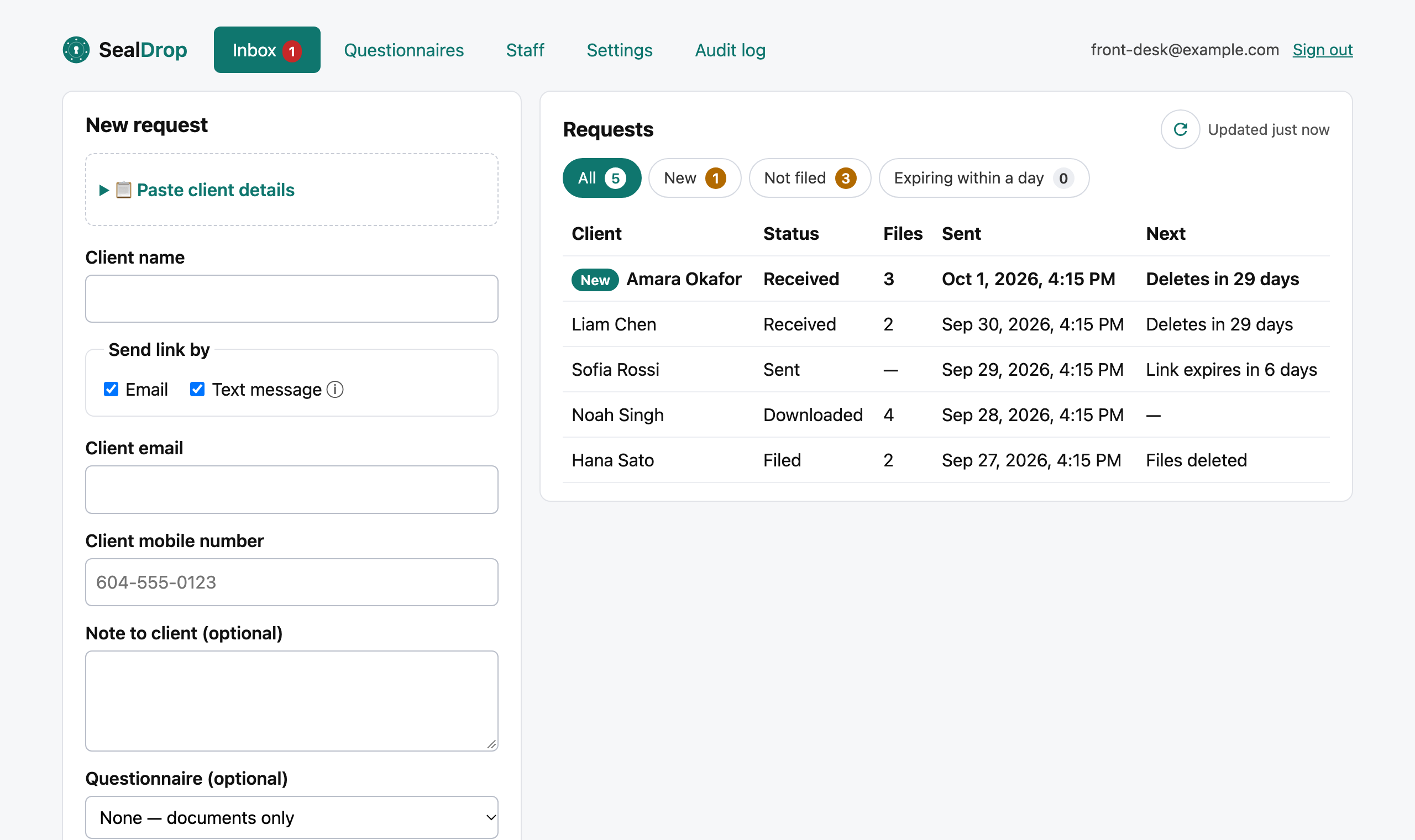
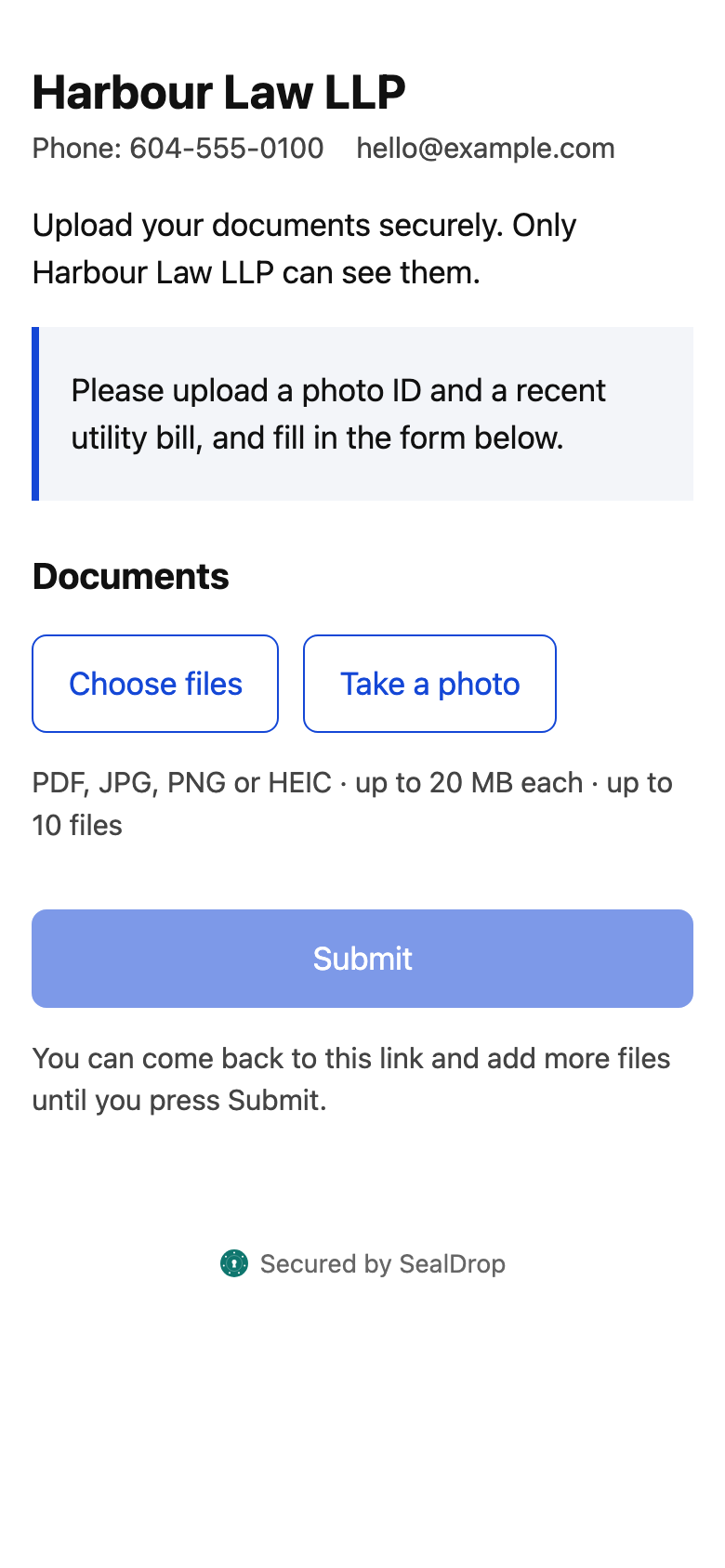
Send a client a link for their ID, intake form and documents; everything lands in one place with an audit trail of who opened what.
- 🇨🇦 Stored in CanadaAWS Montréal
- 🔐 Encryptedat rest and in transit
- 🗑️ Deleted on schedule35 days at most
- 📋 Every action loggedexportable audit trail
Documents you can collect
- Government photo ID (client identification)
- Signed intake and conflict-check details
- Retainer agreements
- Financial statements
- Evidence, photos and correspondence
Ready-made forms
- New client intake (legal)
- Client identification (legal)
- Authorization to release information
- Client details and consent to collect
Edit them or build your own. Starting points, not legal advice.
Client intake in one step
A legal intake form — matter type, other parties for your conflict check, consent and signature — sent with the upload link.
Out of the inbox
No attachments sitting in email; files are scanned for malware and deleted after you file them.
Every action on record
Who sent, opened, uploaded and downloaded — exportable for your file.
How it works
- You send a linkEmail or text
- They uploadAny phone, no app
- ScannedMalware check
- You downloadOne zip + answers PDF
- DeletedAfter you file it
Book a 15-minute demo See pricing
Questions
Can clients send photos of their ID from a phone?
Yes — clients take or choose photos on any phone, including iPhone HEIC photos, and PDFs, up to 10 files per link.
Is client information stored in Canada?
Yes. SealDrop stores and processes client information in AWS’s Montréal region.